
To upsell on Shopify, add in-cart upsells like one-click offers, frequently-bought-together bundles, and cart-drawer suggestions using an app such as Selleasy, our top-rated cart upsell pick. Stores running cart offers commonly report 10-30% higher average order value, because the offer reaches buyers already committed to checkout.
Last updated: July 20, 2026
Shopify Cart Upsells: Complete Guide to Maximizing Average Order Value (2026)
A cart upsell is the cheapest revenue you can add. The shopper has already decided to buy — the ad money is spent, the trust is won — and the only open question is whether they leave with one item or two. A relevant offer at that moment raises the order value without a cent of extra acquisition cost.
This guide covers how cart upsells work, which type fits which store, and how to set one up without slowing your checkout. For a complete comparison of the best upsell apps for Shopify.
Recommended Shopify Upsell Apps
While you can create upsells manually, most Shopify stores use dedicated upsell apps to automate offers and maximize conversions.
See our complete comparison of the best Shopify upsell apps to find the right solution for your store.
If you’re new to upsells, follow our step-by-step guide on how to add upsells on Shopify.

Why Cart Upsells Work
The timing does the work — cart upselling reaches someone who has already said yes once. A second, smaller yes — an add-on that obviously belongs with what they’re buying — is a much shorter jump than the first one was.
- High intent: Cart users are ready to buy
- Relevant timing: Present offers when commitment is highest
- No extra traffic cost: Upsell existing visitors
- Personalization potential: Recommend based on cart contents
Upsell app vendors typically report AOV lifts in the 10-30% range for stores running cart offers. Treat that as the range to test against, not a promise — the lift depends entirely on how well the offer matches what’s in the cart.
Types of Cart Upsells
1. One-Click Upsells
One complementary product, one click to accept. The less friction, the more takers.
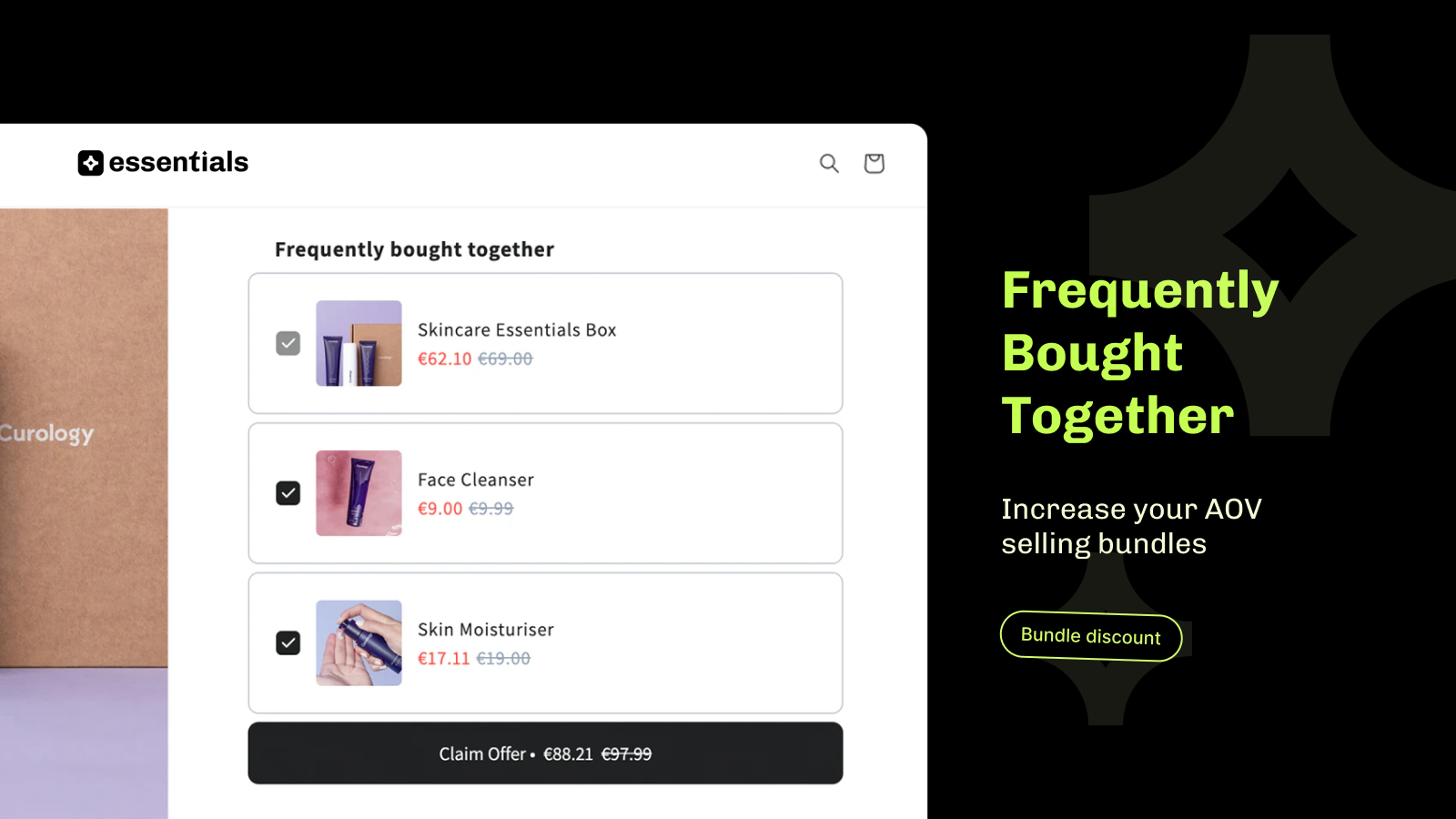
2. Frequently Bought Together
Display product bundles based on what actually sells together. Amazon has run this on nearly every product page since the 2000s, which is reason enough to test it.
3. Cart Drawer Upsells
Show upsell suggestions in a slide-out cart drawer. Customers can browse without leaving their current page.
4. Tiered Discount Upsells
Offer discounts for reaching purchase thresholds (e.g., “Spend $10 more for 10% off”).

In-Cart Upsells: What They Are and Where They Show
An in-cart upsell is an offer that appears inside the cart itself — on the cart page or in the slide-out cart drawer — after a shopper has added an item but before they reach checkout. It is the highest-intent moment on your store: the customer has already committed to buying, so a relevant nudge converts well without extra ad spend.
Here is how an in-cart upsell sits versus the other upsell moments:
- In-cart upsell (cart page / cart drawer): shown while the shopper reviews their cart — e.g. “Add this for $9 more” or “Frequently bought together.” Best for complementary add-ons.
- Checkout upsell: shown on the checkout page (Shopify Plus checkout extensions) — high visibility but more restricted.
- Post-purchase upsell: shown on the thank-you page after payment, with zero risk to checkout conversion.
For most stores the in-cart upsell is the easiest, highest-converting place to start. Apps like Selleasy and Essential Upsell add an in-cart or cart-drawer upsell without touching code — see the full lineup in our best Shopify upsell apps guide.
Top Cart Upsell Apps for Shopify
| App | Key Feature | Best For |
|---|---|---|
| Selleasy | One-click upsells, FBT | All-in-one upsells |
| Essential Upsell | Cart drawer, product page | Visual customization |
| SellUp | Quick setup, analytics | Beginners |
| Bold AI Upsell | AI recommendations | Advanced personalization |
For detailed comparisons, see our best Shopify upsell apps roundup.
Cart Upsell Best Practices
Do this
- Recommend truly complementary products
- Show savings clearly (e.g., “Save $5”)
- Limit to 1-2 upsell offers per session
- Use urgency (“Only 2 left”)
- Test different offer placements
- Track performance metrics
Avoid this
- Upsell completely unrelated products
- Create too many options
- Use aggressive popups
- Ignore mobile experience
- Skip A/B testing
- Overcomplicate the offer
Step-by-Step: Implementing Cart Upsells
Step 1: Choose Your Upsell App
Select an app that fits your needs. Consider features, pricing, and integration with your theme. If you’re unsure which app to choose, see our guide to the best Shopify upsell apps to compare features and pricing.
Step 2: Define Upsell Products
Identify products that naturally complement your main products. Accessories, add-ons, and consumables work well.
Step 3: Set Up Triggers
Configure when upsells appear: after first item, cart threshold reached, or specific product added.
Step 4: Design the Offer
Create compelling offers with clear savings, attractive images, and simple acceptance (one-click best).
Step 5: Test and Optimize
A/B test different offers, placements, and designs. Monitor conversion rates and AOV.
Frequently Asked Questions
Is this the same as the In Cart Upsell app?
No — In Cart Upsell is one specific app brand, while this guide covers in-cart upselling as a strategy any app can run. The apps we recommend (Selleasy, Cartly, Essential Upsell) all support in-cart offers, and the setup steps here apply regardless of which one you pick.
What is an in-cart upsell on Shopify?
An in-cart upsell is an offer shown inside the cart page or cart drawer — after a shopper adds an item but before checkout — recommending a complementary product or a “spend more to save” deal. It captures buyers at their highest intent and is the easiest upsell to set up with a Shopify upsell app.
Do cart upsells hurt conversion rates?
When done correctly, cart upsells improve AOV without hurting conversions. Too many options or irrelevant products can cause cart abandonment.
How much should I discount upsell products?
5-15% discounts typically work well. The savings should be attractive but not erode your margins significantly.
Can I use cart upsells on mobile?
Yes! Mobile cart upsells are essential. Ensure your upsell displays are mobile-optimized and don’t disrupt the checkout flow.
How many upsell offers should I show?
Limit to 1-3 offers per upsell opportunity. Too many choices cause decision paralysis and increase abandonment.
What is the best cart upsell app for Shopify?
For in-cart offers specifically, Cartly Slide Cart Drawer builds the upsells directly into a slide-out cart, and Selleasy covers cart-page and post-purchase offers with a strong free-plan ceiling. Both are compared in our upsell apps roundup.
Ready to Boost Your AOV?
Explore our comparison of the best Shopify upsell apps to find the right solution for your store.
New to upsells? Check out our step-by-step guide on how to add upsells on Shopify for beginners.

Jessa Mariano
Shopify App Reviewer and E-Commerce Consultant
Methodology:We test apps hands-on on staging stores and analyze their live Shopify App Store data — features, pricing, support, ease of use, and value for money — then score them with a volume-weighted rating. We don’t accept payment for rankings. Reviews based on feature analysis, ease of use, and value.
Disclosure: This article may contain affiliate links. We may earn a commission if you make a purchase through our links.