
Last updated:
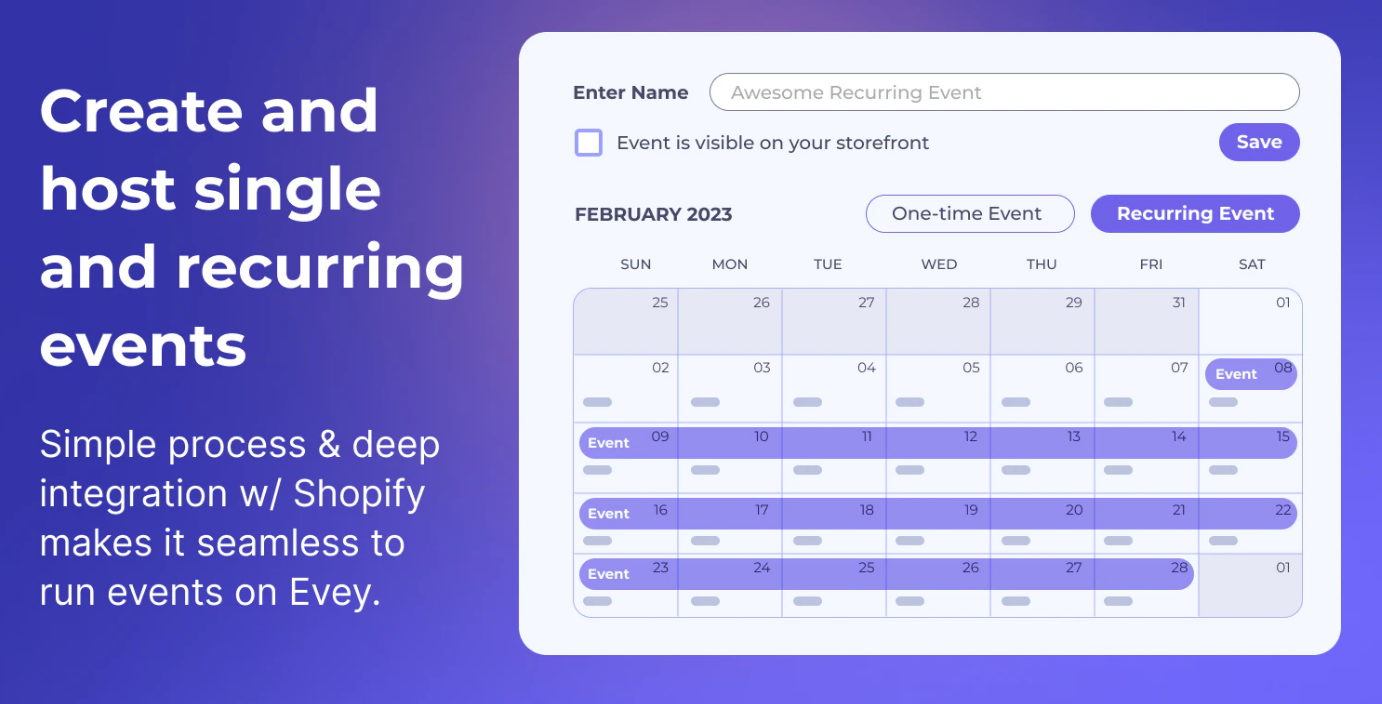
Shopify Tickets: How to Sell Tickets on Shopify (Fast Setup Guide)
Yes — you can sell Shopify tickets for events using your store, checkout, and payment setup. The key is making sure customers receive a ticket automatically, you collect attendee details, and you don’t oversell capacity.
Disclosure: We may earn a commission if you purchase via our links. This helps support BestGrowthApps.
- Create an event ticket product
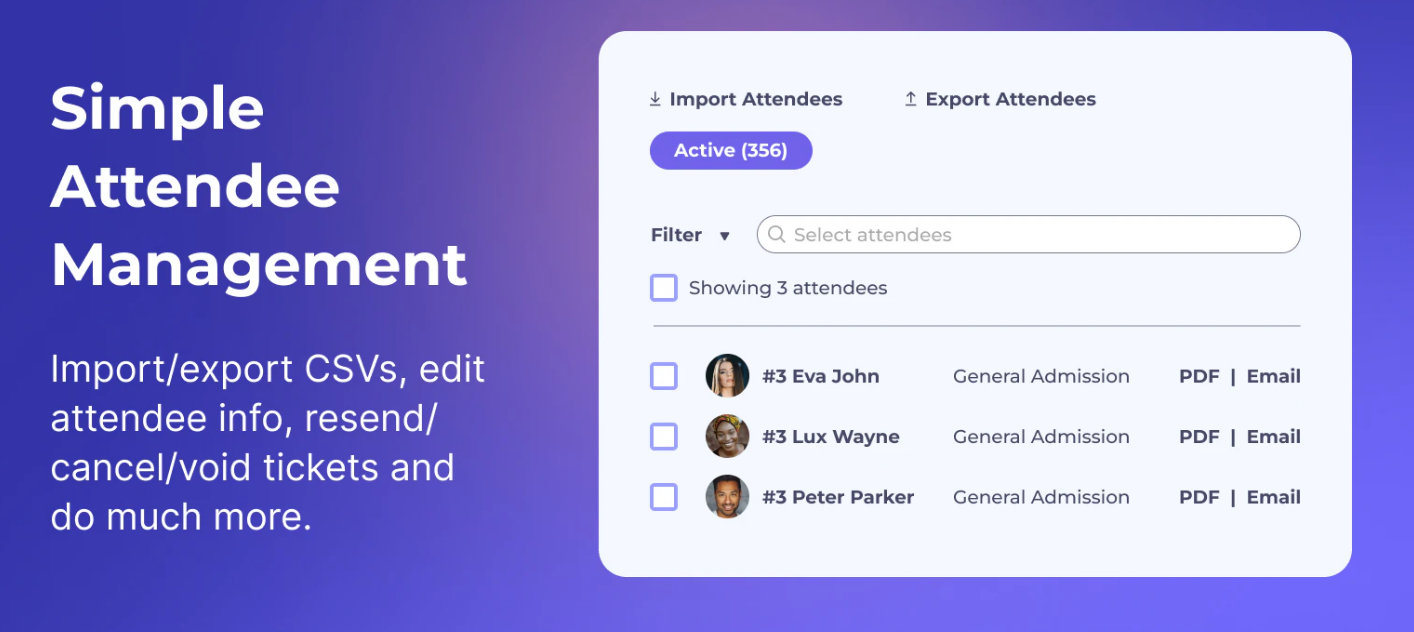
- Collect attendee details (name, email, etc.)
- Send tickets automatically after purchase
- Track capacity so you don’t oversell
Quick answer: what’s the best way to sell Shopify tickets?
The easiest way is to use a ticketing app that turns a Shopify product into a real ticket, collects attendee info, and sends the ticket automatically.
Read our step-by-step guide here:
Shopify Ticketing System: How to Sell Event Tickets on Shopify (Step-by-Step).
How Shopify tickets work (simple explanation)
When someone buys an event ticket on Shopify, it usually works like this:
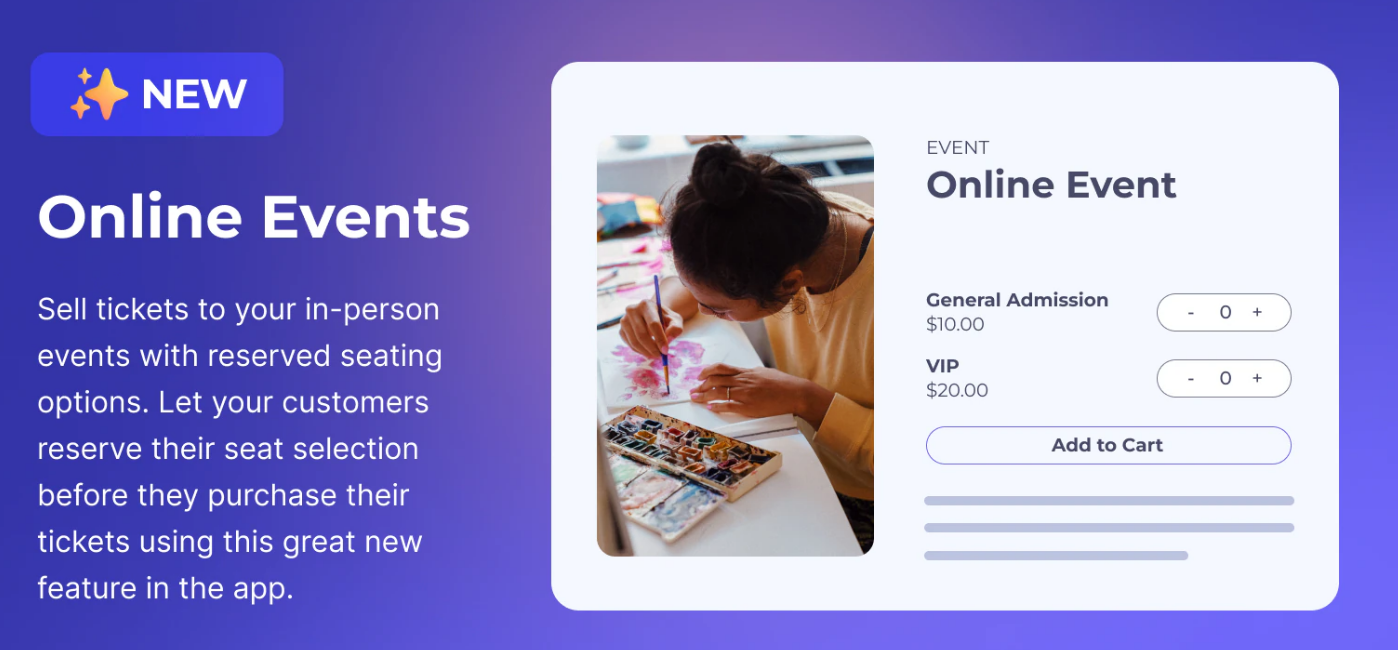
- You create a product called “Event Ticket” (or multiple ticket types)
- The customer pays through Shopify checkout
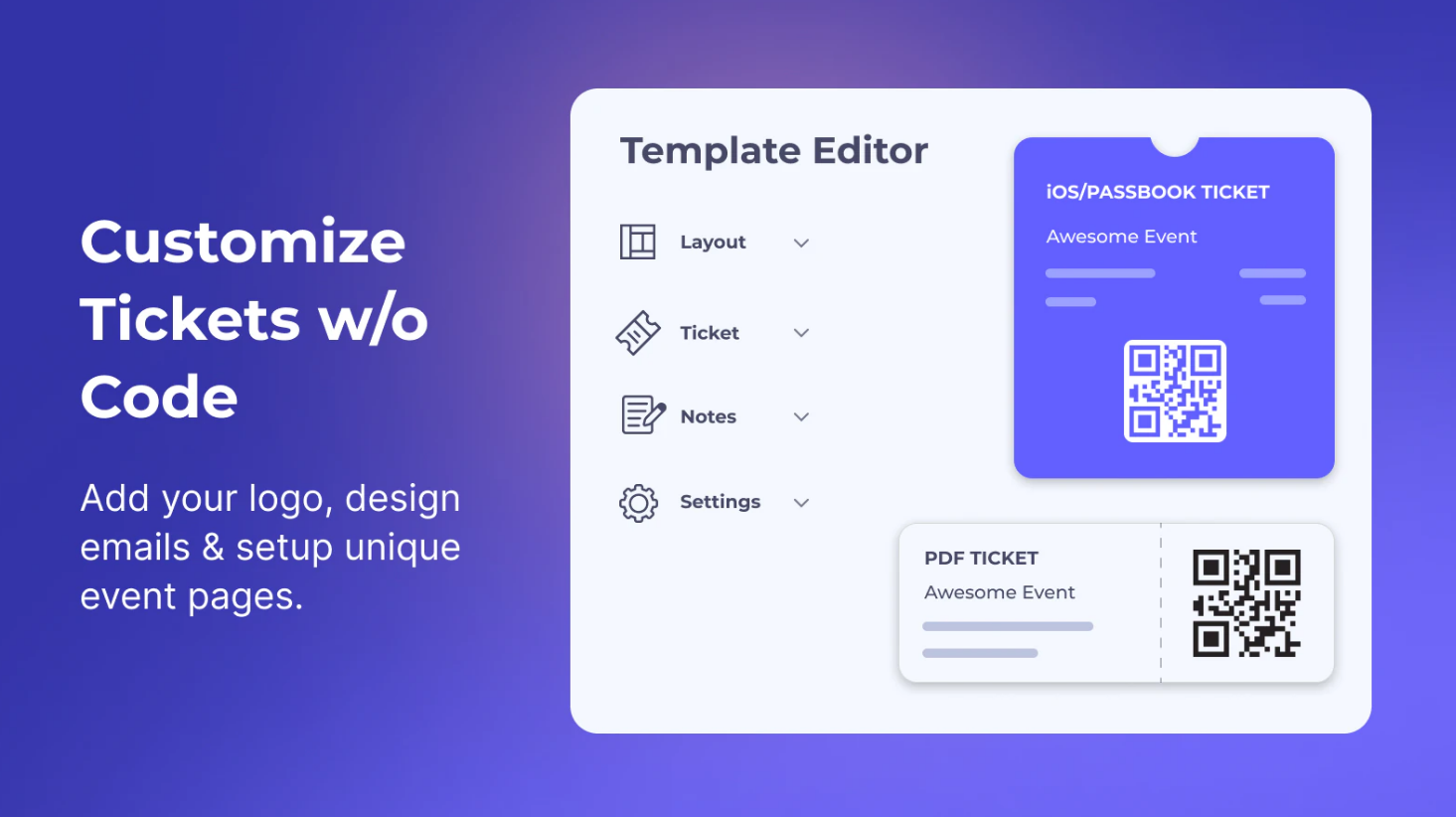
- The customer receives a ticket (digital ticket, QR code, or confirmation)
- You validate the ticket at the door (scan or check-in list)
- Workshops and classes
- Pop-ups and brand events
- Conferences and meetups
- Paid entry for in-store events
Step-by-step: how to sell Shopify tickets (fast setup)
Step 1: Create your ticket product
- Shopify Admin → Products → Add product
- Name it clearly (example: “Workshop Ticket — Jan 30”)
- Add a short description with date, time, and location
- Set the price
Step 2: Add capacity (so you don’t oversell)
Use inventory quantity as your capacity limit:
- Set inventory to the number of seats available (example: 50)
- Disable “continue selling when out of stock”
Step 3: Collect attendee info
If you’re running an event, you’ll usually want at least:
- Attendee name
- Email address
- Phone number (optional)
This is where a ticketing app helps, because Shopify’s default product flow doesn’t handle attendee fields well.
Step 4: Send tickets automatically
To avoid support issues, customers should get something immediately after payment:
- A digital ticket (or QR code)
- Event details (date/time/location)
- Confirmation email
Common Shopify ticket mistakes (and how to avoid them)
1) Selling tickets without a capacity limit
If you don’t set inventory limits, you can oversell and end up refunding customers.
2) Not collecting attendee info
If you don’t collect attendee details, check-in becomes messy (especially for group orders).
3) No automated ticket delivery
If customers don’t receive a ticket instantly, you’ll get support tickets and chargeback risk.
Follow the full walkthrough here:
Shopify Ticketing System: Step-by-Step Setup.
Recommended: use a Shopify ticketing app for a smoother workflow
If you want your Shopify tickets to feel like a real event experience (attendee fields + automatic ticket delivery + check-in support), using a dedicated app is the cleanest option.
Recommended
Need an easier Shopify tickets setup?
Evey helps you sell tickets, collect attendee info, and send tickets automatically after purchase.
Try Evey
Disclosure: We may earn a commission if you make a purchase.
FAQs
Can you sell tickets on Shopify?
Yes. You can sell tickets on Shopify by creating a ticket product and limiting capacity using inventory. For a smoother experience, a ticketing app can collect attendee details and deliver tickets automatically.
How do I prevent overselling tickets?
Set your inventory quantity to match your venue capacity and make sure “continue selling when out of stock” is disabled for ticket products.
Do customers need a QR code ticket?
Not always, but QR codes make check-in faster and reduce fraud. For larger events, QR-based check-in is strongly recommended.
Best Low-Cost Ticketing Systems for Shopify (2025)

Jessa Mariano — Shopify apps writer focused on practical setup guides for merchants.
Methodology: This guide is based on common Shopify event workflows and how ticketing apps extend Shopify checkout with attendee and ticket delivery features.