
Last updated: February 19, 2026
Shopify Volume Discounts: Complete Guide to Quantity-Based Pricing (2026)
Volume discounts represent one of the most effective pricing strategies for Shopify merchants looking to increase average order value while simultaneously moving more inventory. Unlike percentage-based sales that can erode profit margins, volume discounts incentivize customers to purchase larger quantities by offering progressively better per-unit pricing that benefits both buyer and seller.
For Shopify store owners, implementing quantity-based pricing creates a win-win scenario: customers feel they’re getting exceptional value when buying in bulk, while merchants benefit from higher order values, improved inventory turnover, and reduced per-transaction marketing costs. This comprehensive guide explores everything you need to know about implementing volume discounts on your Shopify store.
For comprehensive coverage of bundle strategies that complement volume pricing, explore our guide to the best Shopify bundle apps to discover tools that can automate and optimize your pricing strategies.

What Are Volume Discounts?
Volume discounts, also known as quantity-based pricing or tiered pricing, offer customers progressively better prices when they purchase larger quantities of a product. The pricing structure rewards bulk purchases with per-unit savings, creating a compelling value proposition that encourages customers to buy more rather than less.
A typical volume discount structure might look like this:
- 1 unit: $29.99 each
- 2-3 units: $26.99 each (10% discount)
- 4-5 units: $23.99 each (20% discount)
- 6+ units: $20.99 each (30% discount)
This pricing model works exceptionally well for products that customers naturally purchase in multiples, including consumables like coffee supplements and beauty products, office supplies and stationery items, pet supplies and treats, children’s products and toys, and wholesale or B2B orders.
Understanding how volume discounts fit into your broader pricing strategy is essential. Our comprehensive guide to Shopify bundle apps explores how bundling and volume pricing work together to maximize average order value.
Native Shopify Volume Discount Features
Shopify offers basic volume discount capabilities through its built-in discount system, though functionality remains more limited compared to dedicated third-party applications. Understanding these native options helps you determine whether they’ll suffice for your needs or if you’ll require more advanced functionality.
Creating Volume Discounts in Shopify Admin
To create a basic volume discount using Shopify’s native tools:
- Navigate to Shopify Admin → Discounts
- Click “Create discount”
- Select “Percentage” or “Fixed amount” discount type
- Set minimum purchase requirements (e.g., “Minimum quantity: 2”)
- Define the discount value (e.g., “10% off”)
- Set customer eligibility and usage limits
- Save the discount code
However, this approach has a significant limitation: customers must manually enter discount codes at checkout, which reduces conversion rates. Many shoppers abandon carts rather than searching for and applying codes.
Automatic Discounts for Volume Pricing
Shopify’s automatic discount feature improves upon code-based discounts by applying volume pricing without requiring customer action:
- Go to Discounts → Create discount
- Choose “Automatic discount”
- Set conditions (e.g., “Buy 2 or more, get 10% off”)
- Configure start and end dates
- Discounts apply automatically at checkout
Automatic discounts convert significantly better since customers don’t need to remember, search for, or manually enter promotional codes. However, Shopify’s native automatic discounts still have limitations around complex tiered structures and product-specific pricing.
Advanced Volume Discount Apps
For sophisticated volume pricing with multiple tiers, automatic application, and advanced analytics, dedicated apps offer capabilities that far exceed Shopify’s native features. These tools provide the flexibility to create complex pricing structures while maintaining profitability.
Popular Volume Discount Apps
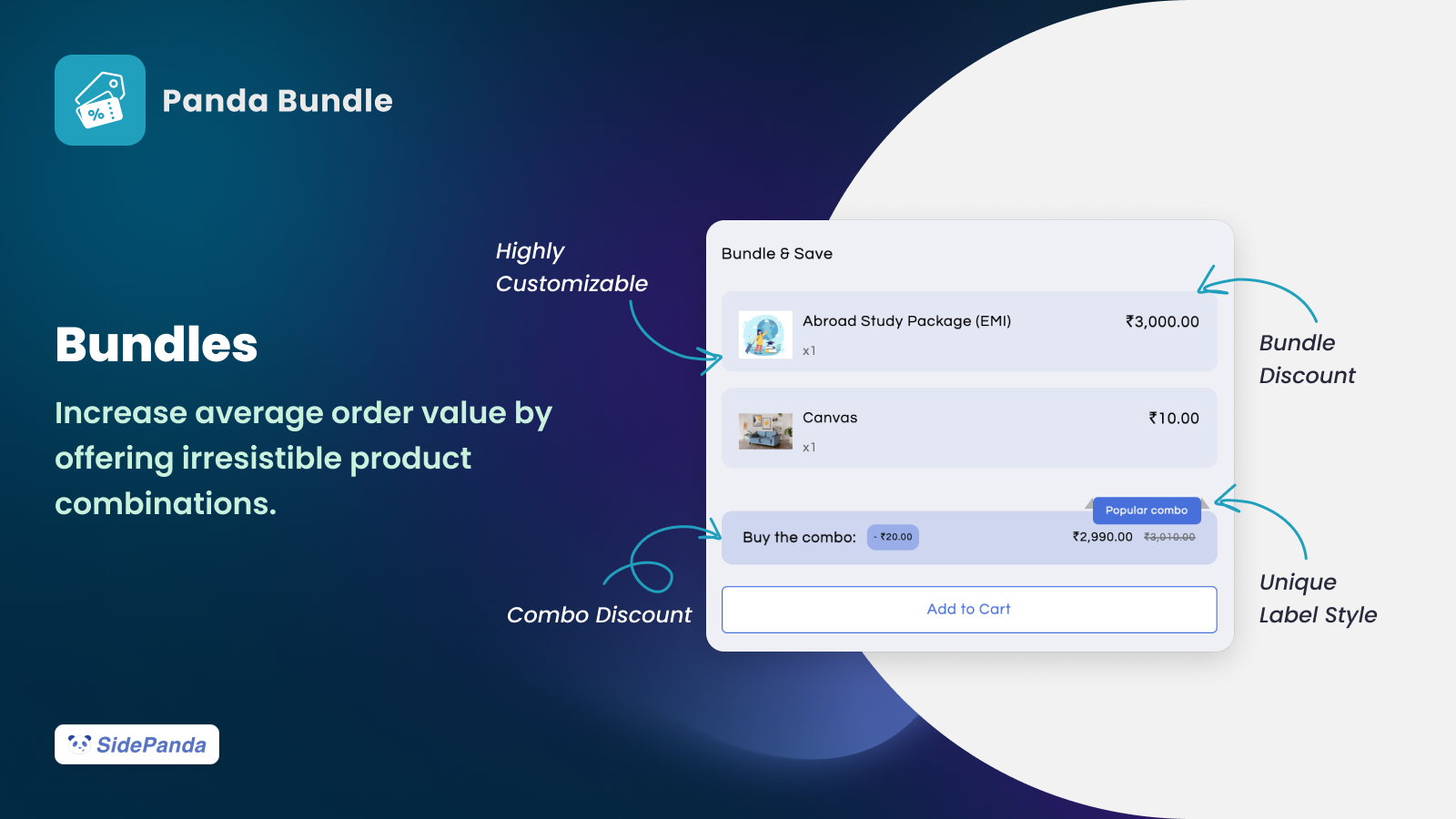
Several apps have established themselves as leaders in the volume discount space for Shopify merchants. Panda Bundle offers flexible volume pricing with quantity breaks and tiered discounts, supporting complex pricing rules while remaining user-friendly. Bundle Builder focuses on customer engagement through build-your-own bundles with volume incentives. Pumper Bundles specializes in quantity breaks with wholesale pricing capabilities for B2B merchants.
💡 Choosing the Right App
Consider your specific needs when selecting a volume discount app: the number of pricing tiers you require, whether you need customer-specific pricing, integration with your existing tech stack, and analytics capabilities for tracking performance.
For detailed comparisons of these tools and their capabilities, our analysis of the best Shopify bundle apps provides in-depth evaluations to help you make an informed decision.
Implementing Volume Discounts: Step-by-Step
Step 1: Analyze Your Product Line
Before implementing volume discounts, identify which products are suited for quantity-based pricing:
- Products with healthy margins (20%+ minimum)
- Items customers naturally buy in multiples
- Products with long shelf life (no expiration concerns)
- Items with consistent demand throughout the year
Step 2: Set Pricing Tiers
Calculate optimal discount levels that balance customer motivation with profitability:
- Tier 1 (2 units): 5-10% discount (entry-level savings)
- Tier 2 (3 units): 10-15% discount (moderate savings)
- Tier 3 (5+ units): 15-20% discount (bulk savings)
Always calculate your margins at each tier to ensure profitability. A 20% discount means your product costs must allow for at least 20% margin after considering all expenses.
Step 3: Choose Implementation Method
- Simple (2-3 tiers): Use Shopify’s automatic discounts
- Complex (4+ tiers): Use a dedicated volume discount app
- Wholesale: Use apps with customer tag pricing for personalized rates
Step 4: Configure Display
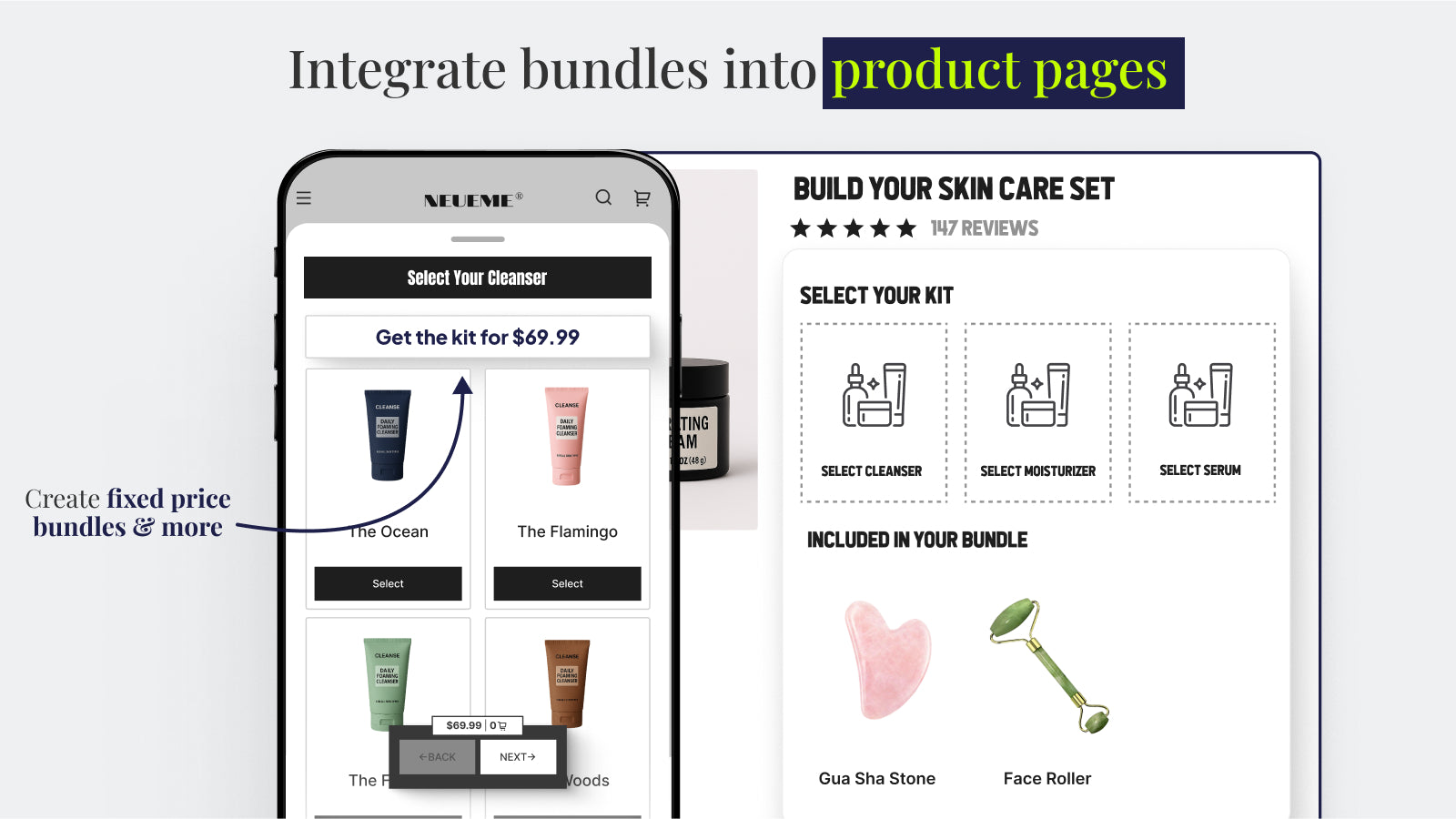
Show volume pricing clearly on product pages with pricing tables and “per unit” savings displays. Customers should immediately understand the value proposition without needing to calculate savings themselves.
Volume Discount Best Practices
Implementing volume discounts effectively requires following proven strategies that maximize results while protecting your margins.
✅ Best Practices
- Start with 2-3 discount tiers to avoid overwhelming customers
- Keep calculations simple and transparent
- Display savings prominently ($ and % savings)
- Monitor margin impact weekly during initial implementation
- Test different tier structures with A/B testing
- Use automatic application rather than codes
❌ Common Mistakes
- Offering discounts that erode below minimum margins
- Creating too many confusing tiers
- Ignoring inventory implications of bulk sales
- Skipping checkout flow testing before launch
- Failing to A/B test different discount structures
- Not communicating savings clearly
Frequently Asked Questions
What’s the difference between volume discounts and quantity breaks?
Volume discounts offer progressive savings where more units mean better per-unit pricing. Quantity breaks set specific thresholds where discounts unlock. Both encourage larger purchases but differ in implementation complexity and customer communication.
Do volume discounts work with automatic discounts in Shopify?
Yes. Shopify’s automatic discounts can apply basic volume pricing without requiring codes, which improves conversion rates. However, complex multi-tier structures may require dedicated apps.
Can I offer different volume discounts for different products?
Native Shopify allows one automatic discount at a time per product. Dedicated volume discount apps enable product-specific pricing rules with unique tier structures for each item.
What’s a good margin buffer for volume discounts?
Maintain at least 20% margin after discounts. Calculate: (Price – Cost) / Price ≥ 0.20. Test your breakeven points before launching to ensure profitability.
Should I limit volume discount quantities?
Consider limiting high-discount tiers to prevent margin erosion, especially on discounts of 20% or more. Maximum quantity limits protect profitability while still incentivizing bulk purchases.
Explore More Pricing Strategies
Discover comprehensive tools and strategies to optimize your Shopify store’s pricing.
View Bundle Apps Guide
Disclosure: This article may contain affiliate links. We may earn a commission if you make a purchase through our links. This helps support our research and content creation.